 ScanBuddy
Text and conversion
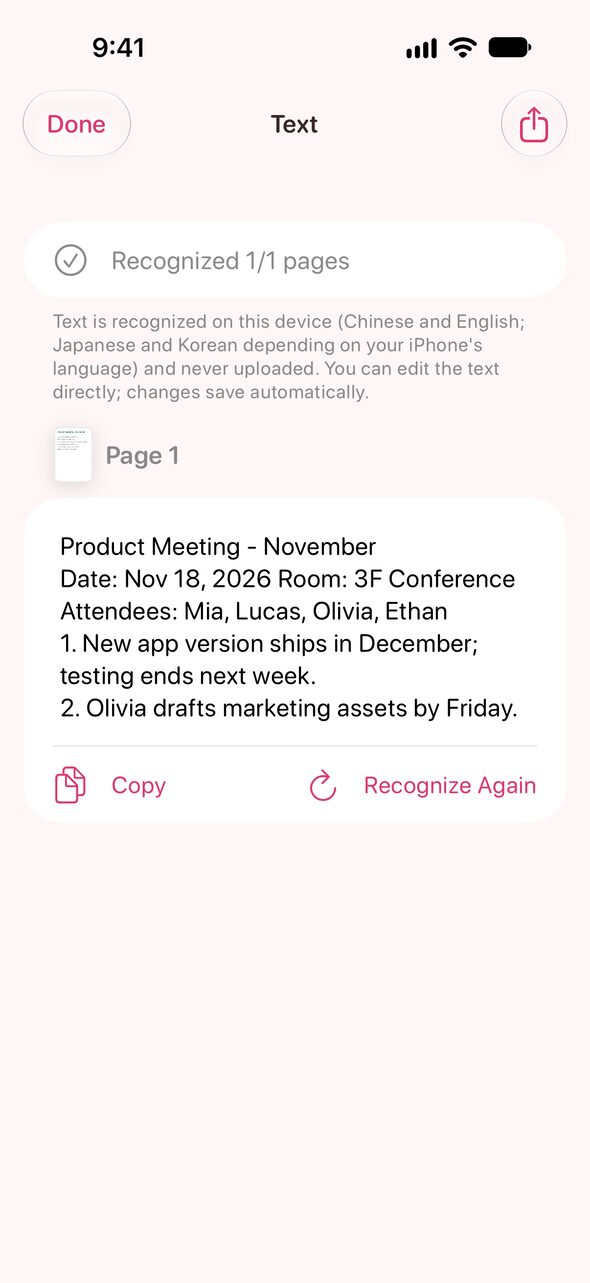
Recognize text (OCR)
- Open a document and tap “Text” at the bottom.
- It recognizes the pages the first time. It takes a few seconds.
- Tap a passage to edit it. Use “Copy All” to paste elsewhere, or export TXT.
Recognition follows your iPhone's language settings and supports Traditional and Simplified Chinese, English, Japanese and Korean. Recognized documents become searchable.